Agent Workspace
The Agent Workspace is the Floor Walker plugin for Twilio Flex. It adds a customer CRM, cases and follow-up tasks, AI analysis of every interaction, language tools and screen recording controls to the Flex agent desktop.
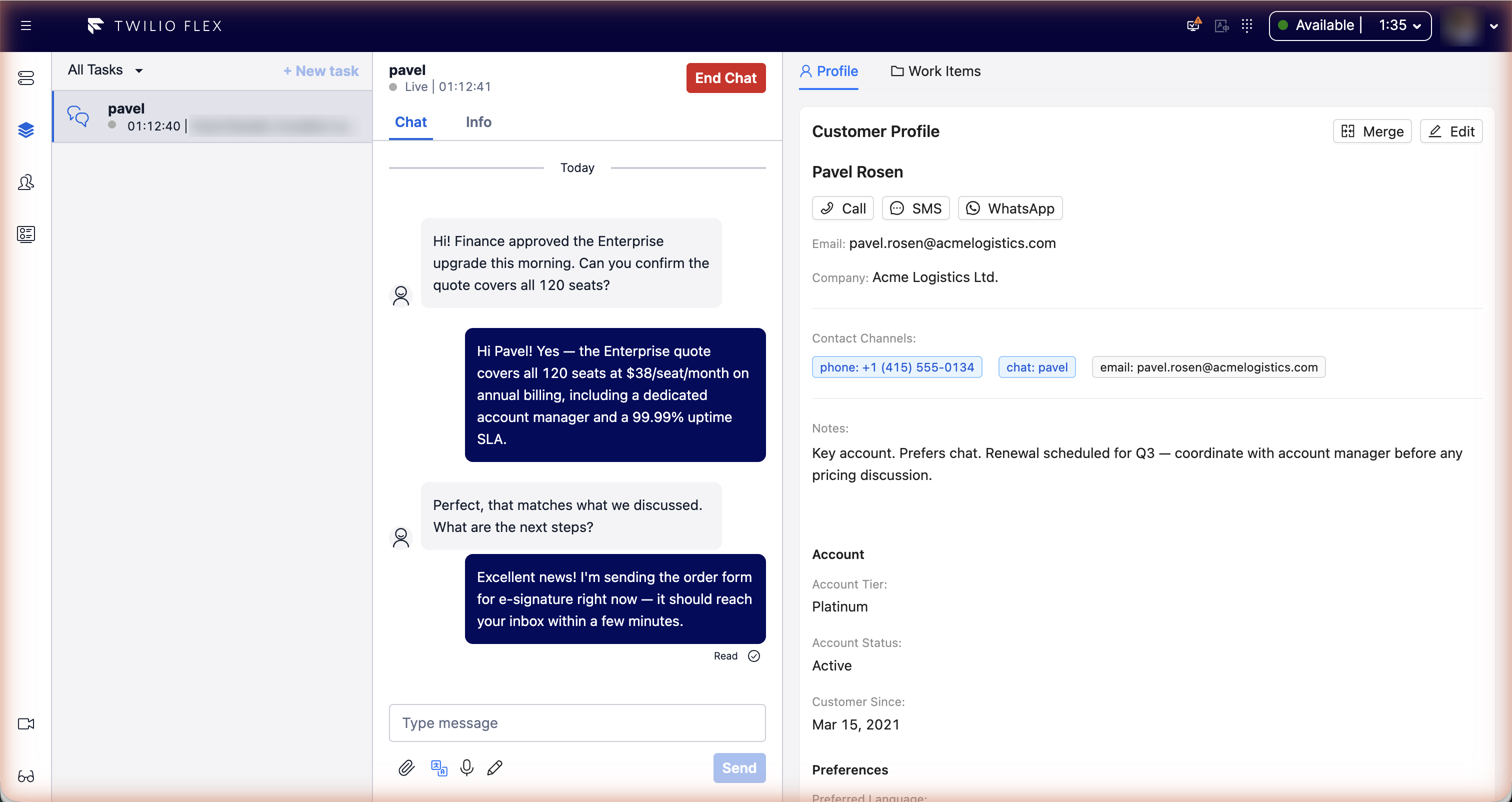
What agents get
| Feature | What it does |
|---|---|
| Customer CRM | The customer next to every task: profile, contact channels, custom fields, notes, recent interactions, and buttons to call, text or WhatsApp them. Unknown contacts become customer profiles automatically. |
| Interactions and AI insights | Each finished call or conversation is transcribed and analysed: subject, summary, sentiment, outcome, topics and tags. |
| Cases and tasks | Cases for issues that span several contacts, and follow-up tasks whose reminders come back as Flex tasks. |
| Real-time translation | Customer messages translated into the agent's language, replies translated into the customer's. |
| AI compose | Rewrite a draft before sending: polish, shorten, more formal, friendlier, fix grammar. |
| Dictation | Live speech-to-text into the message box (Ctrl+Shift+M). |
| Screen recording | Recording status and pause control in Flex for the Screen Recorder desktop app. |
What supervisors and admins get
- The CRM page: all interactions with AI filters, customer search and detail, follow-up tasks across customers.
- CRM Settings: custom customer fields and the AI prompt templates.
- The Recordings page: search, playback and coaching notes for screen recordings, and the recording policy.
- Calendars: business calendars for working hours and holidays, shared by Studio flows and the outbound dialer.
The CRM, Recordings and settings pages require the Flex admin role; Calendars is available to
supervisors and admins. See Configuration.
Languages
The whole workspace is available in English and Hebrew, with a right-to-left layout for Hebrew. See Languages and right-to-left.
Getting started
Floor Walker is installed in your Flex account for you; see Deployment. Turning features on and off is covered in Configuration. Users sign in to Flex as usual: there is no separate Floor Walker login.