Twilio Flex in Hebrew and other right-to-left languages
Floor Walker makes everything it adds to Twilio Flex available in English and Hebrew, and switches its screens to a right-to-left layout for Hebrew. That covers the agent desktop (CRM, AI insights, language tools, recording controls), the outbound dialer, the supervisor console, the wallboards and the historical reports, including report exports and scheduled emails. Each user's language is set on their TaskRouter worker, so Hebrew and English users can share one Flex account.
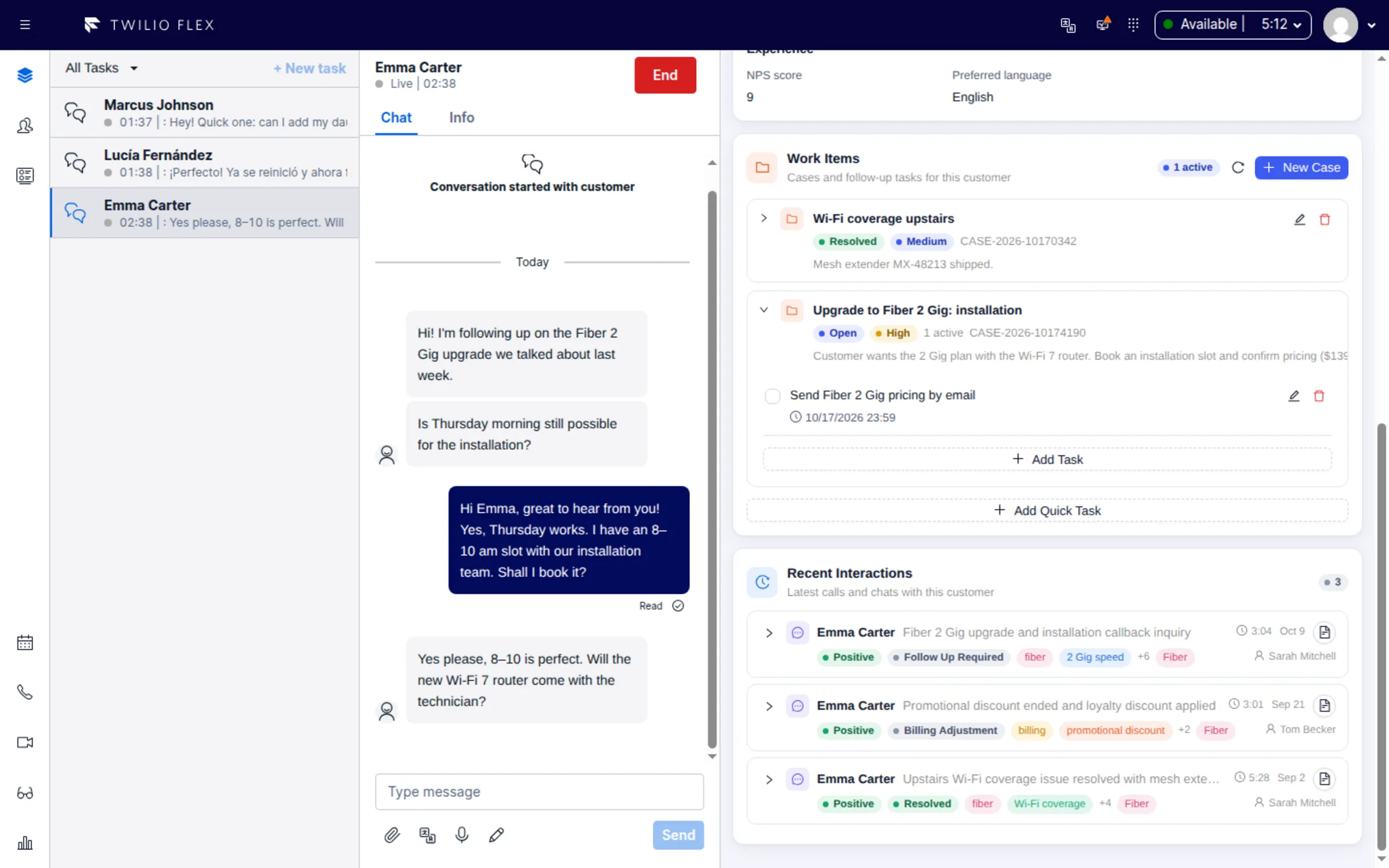
What you get
- Every Floor Walker screen in Hebrew. Each Floor Walker feature ships with English text and a Hebrew translation for every user-facing string.
- A mirrored layout. In right-to-left mode, Floor Walker screens mirror their layout, drawers open from the other side, and dates and pickers use the Hebrew locale.
- Right-to-left on the right codes. The layout switches for
he-ILand for Arabic, Persian and Urdu language codes. - Text in its own direction. With translation on, each original and translated message is shown in its own direction, so Hebrew or Arabic text reads right-to-left even in an English interface.
- Hebrew outside Flex too.
- Wallboard TV boards have their own language setting (English or Hebrew), and their columns are mirrored on Hebrew boards.
- The dialer console in a browser tab switches between Hebrew and English.
- Reports are in English and Hebrew throughout. Excel exports open right-to-left for Hebrew, and CSV files carry a byte-order mark so Excel shows Hebrew correctly.
- Hebrew in the data, not just the labels.
- Holiday names in business calendars follow the interface language.
- The dialer recognizes common Hebrew column headers when importing leads, and its default SMS and WhatsApp opt-out keywords include Hebrew words for "remove" and "cancel".
- Dictation expects Hebrew and English by default.
How it works
Floor Walker is a plugin installed into your own Twilio Flex account, with the Floor Walker service hosted for you or installed in your own cloud or data center. The plugin picks each user's language in this order:
- the Flex localization setting, when Flex's own localization (beta) is turned on;
- the worker attribute
language, for example{"language": "he-IL"}; - a default for everyone in the Flex configuration;
- English.
To switch a user, change the worker attribute in the TaskRouter console or through the API and reload
Flex. Use he-IL rather than he: with he the text is Hebrew but the layout stays left-to-right.
Floor Walker mirrors its own screens. The standard Flex interface around them is not mirrored by the Floor Walker plugin; that needs a separate Flex localization plugin.
The interface language is separate from the languages agents work in. Agents can use an English interface and still serve customers in Hebrew or Arabic with live translation, and vice versa.
Who it is for
- Contact centers in Israel, and teams serving Hebrew-speaking customers, that run on Twilio Flex.
- Organizations with mixed teams, where some agents and supervisors work in Hebrew and others in English.
- Managers who need reports, exports and emailed reports that read correctly in Hebrew.
FAQ
Can Twilio Flex be used in Hebrew?
Every screen that Floor Walker adds to Flex is available in Hebrew with a right-to-left layout. Set the
worker attribute language to he-IL and reload Flex. The standard Flex interface itself needs a
separate Flex localization plugin to be mirrored.
Does Floor Walker support Arabic right-to-left layout?
The layout switches to right-to-left for Arabic, Persian and Urdu language codes as well as Hebrew. The interface text itself is available in English and Hebrew; parts of screen recording also exist in Spanish and Portuguese, and English is the fallback for any missing text.
Can different agents use different languages in the same Flex account?
Yes. The language is set per agent with the worker attribute language, with an optional default for
everyone in the Flex configuration. One agent can work in Hebrew while the next works in English.
Do wallboards and reports support Hebrew?
Yes. Each TV board has its own language, English or Hebrew, with mirrored columns in Hebrew. Reports, Excel and CSV exports and scheduled report emails are available in English and Hebrew.
Is there a language switcher inside Flex?
No. The language comes from the worker attribute, so change it in TaskRouter (console or API) and reload Flex. The dialer console outside Flex has its own Hebrew and English switch in the header.
Learn more
- Languages and right-to-left: how the language is chosen and what is covered
- Agent Workspace
- Wallboard boards and the editor
- Reports
Book a demo: hello@floorwalker.dev